
Overview
What SenetLab is and how it works.
What is SenetLab?
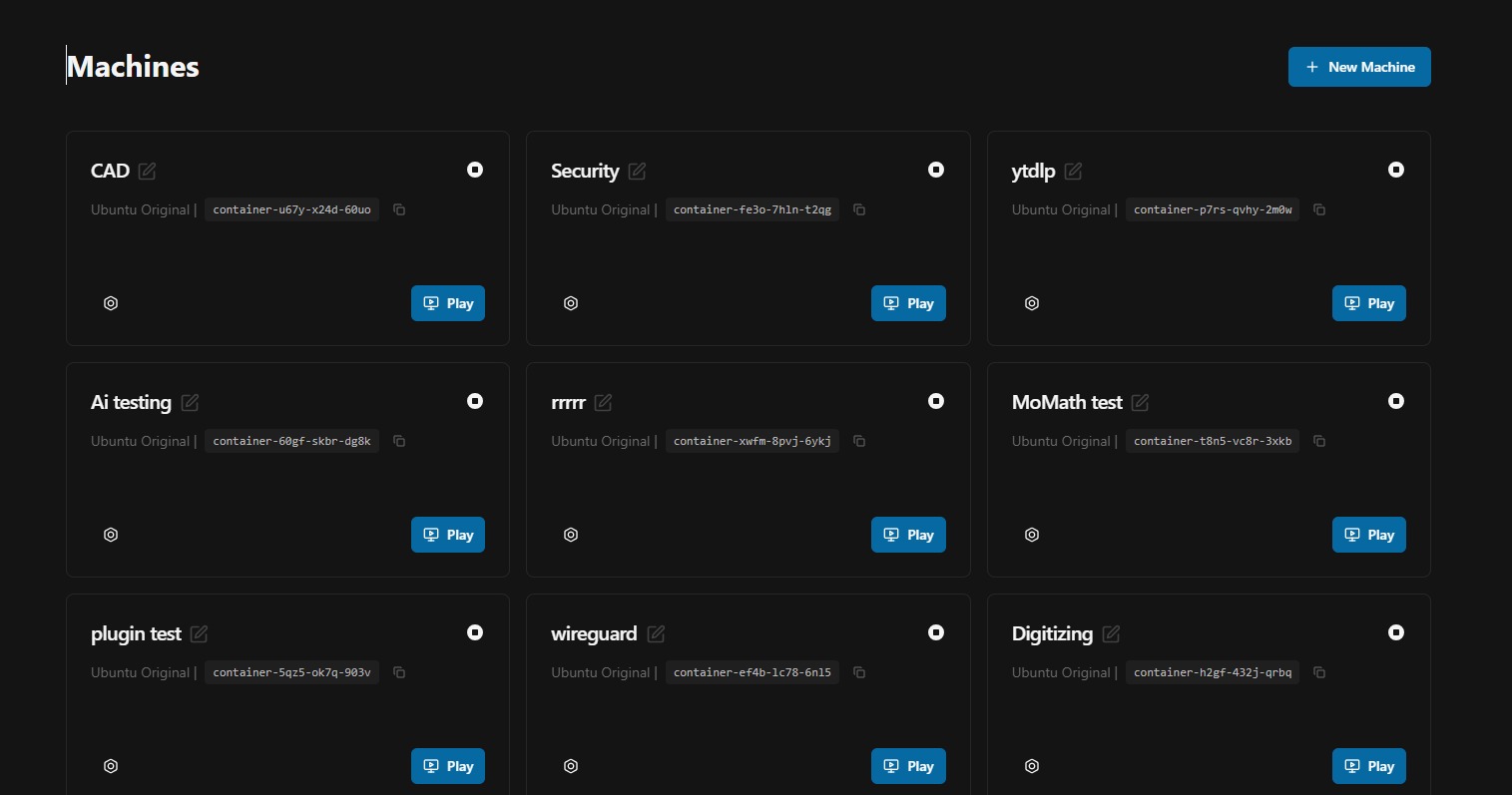
SenetLab is a Linux desktop that you can access in your browser. It is not a remote IDE. It is a full Ubuntu environment — persistent, pre-configured, and accessible from any device with a web connection.
Your team installs tools once. You share the exact machine state via a link. You plug physical USB devices into a lightweight appliance and they appear inside the browser desktop as native /dev/ nodes. You run a local service on port 3000 and it gets a private HTTPS URL instantly. No SSH tunnels, no DNS records, no certificate management.
Who is it for?
SenetLab is built for teams that work close to the metal. Embedded engineers who need to flash firmware across continents. Robotics teams that share a single sensor rig. DevOps engineers who want reproducible environments without Docker lore. Educators who need thirty identical setups for a workshop. If your workflow involves hardware, long-running services, or environment drift, SenetLab removes the friction.
Core workflows
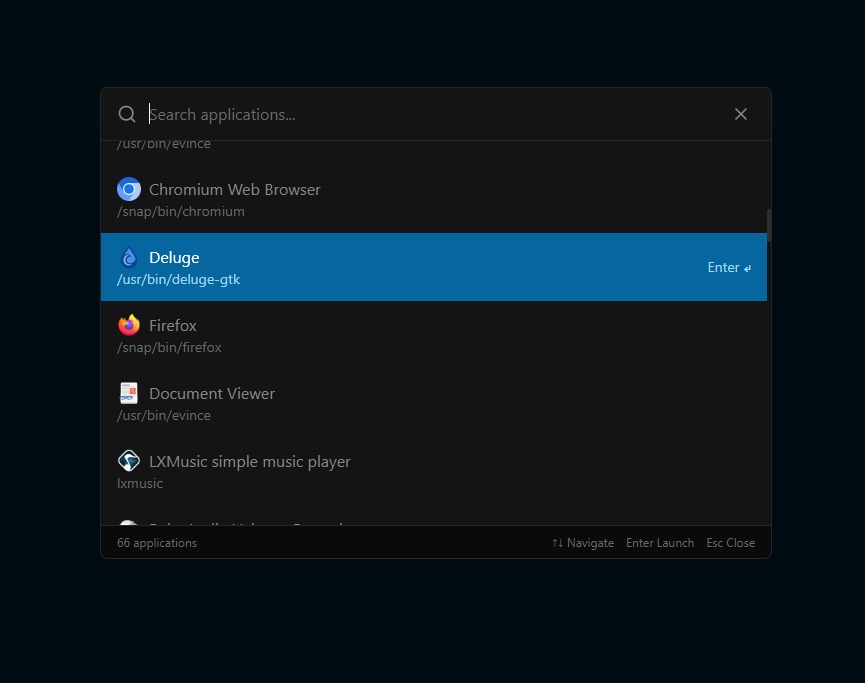
- Virtual Workspace — A complete Linux desktop with VS Code, terminals, GUI apps, and an AI assistant that installs and configures software on demand.
- Sharing & Cloning — Generate a password-protected link to your machine. Colleagues see what you see. Enable cloning and they can fork it into an independent copy.
- Hardware Access — Plug cameras, sensors, and microcontrollers into a Raspberry Pi appliance. They mount inside your cloud machine as if they were local.
- Relays — Any TCP service running inside your machine gets a stable HTTPS URL without touching DNS or TLS.
Architecture at a glance
Each SenetLab machine is a persistent environment running on cloud infrastructure. Your browser connects via a high-performance streaming protocol that transmits display frames and input events.
On the hardware side, a small Raspberry Pi appliance runs the SenetLab device agent. When you plug a USB device into the Pi, the agent enumerates it, establishes a secure tunnel back to your account, and presents the device to any machine you authorise. The device node is indistinguishable from a locally attached peripheral.
Relays are a transparent HTTP proxy. When you create a relay for a port, the SenetLab relay infrastructure connects directly to your service inside the machine and forwards every incoming HTTPS request to it. Your service receives plain HTTP — the relay handles TLS termination at the edge. There is no agent, no daemon, and no persistent tunnel running inside your machine.
Getting started
The fastest path is the Quick Start guide. It walks through creating your first machine, opening the desktop, and verifying that everything works. If you want to understand the full capability surface before you commit, read through the Hardware Access, Sharing, and Relays pages in order.